This is an example page. It’s different from a blog post because it will stay in one place and will show up in your site navigation (in most themes). Most people start with an About page that introduces them to potential new site visitors. It might say something like this:
Hi there! I’m a bike messenger by day, aspiring actor by night, and this is my website. I live in Los Angeles, have a great dog named Jack, and I like piña coladas. (And gettin’ caught in the rain.)
…or something like this:
The XYZ Doohickey Company was founded in 1971, and has been providing quality doohickeys to the public ever since. Located in Gotham City, XYZ employs over 2,000 people and does all kinds of awesome things for the Gotham community.
CD CD ghg
As a new WordPress user, you should go to your dashboard to delete this page and create new pages for your content. Have fun!
Keyboard shortcuts
- Display these keyboard shortcuts.⌃⌥H
Global shortcuts
- Navigate to the nearest toolbar.⌥F10
- Open the command palette.⌘K
- Toggle fullscreen mode.⇧⌥⌘F
- Switch between visual editor and code editor.⇧⌥⌘M
- Save your changes.⌘S
- Undo your last changes.⌘Z
- Redo your dsfasdf
- last undo.⇧⌘Z
- Open the List View.⌃⌥O
- Toggle distraction free mode.⇧⌘\
- Show or hide the Settings sidebar.⇧⌘,
- Navigate to the next part of the editor.⌃`⌃⌥N
- Navigate to the previous part of the editor.⌃⇧`⌃⌥P⌃⇧~
Selection shortcuts
- Select all text when typing. Press again to select all blocks.⌘A
- Clear selection.escape
- Select text across multiple blocks.⇧Arrow
Block shortcuts
- Duplicate the selected block(s).⇧⌘D
- Remove the selected block(s).⌃⌥Z
- Insert a new block before the selected block(s).⌥⌘T
- Insert a new block after the selected block(s).⌥⌘Y
- Delete selection. delbackspace
- Move the selected block(s) up.⇧⌥⌘T
- Move the selected block(s) down.⇧⌥⌘Y
- Create a group block from the selected multiple blocks.⌘G
- Change the block type after adding a new paragraph./
Text formatting
- Make the selected text bold.⌘B
- Make the selected text italic.⌘I
- Convert the selected text into a link.⌘K
- Remove a link.⇧⌘K
- Convert the selected text into a link.⌘K
- Insert a link to a post or page.[[
- Underline the selected text.⌘U
- Strikethrough the selected text.⌃⌥D
- Make the selected text inline code.⌃⌥X
- Convert the current heading to a paragraph.⌃⌥0⌃⌥7
- Convert the current paragraph or heading to a heading of level 1 to 6.⌃⌥1-6
- Add non breaking space.⇧⌘SPACE

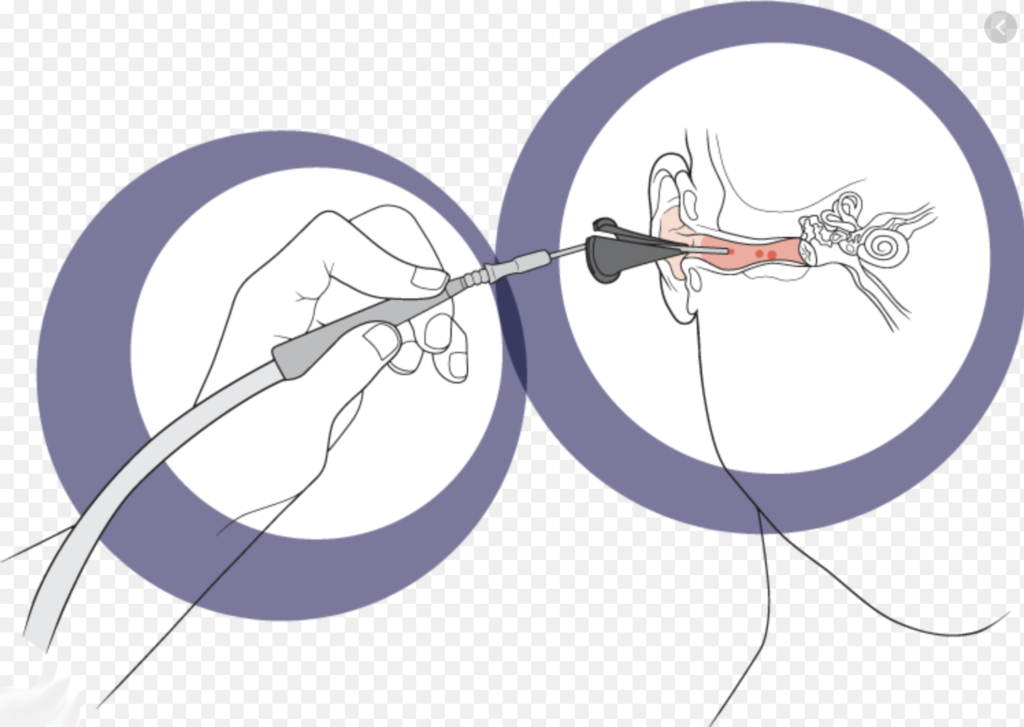
CD HD gf HD gre
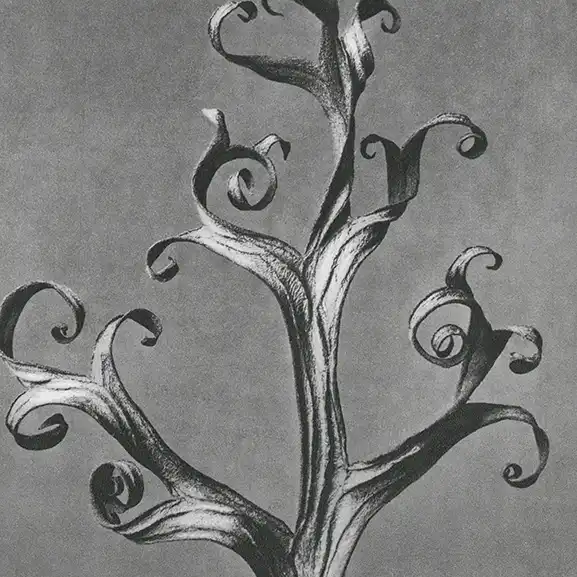
this is a paragraph from the twenty first century.
To err is human. To fuck something up is more human.
Boga Bhai
// Function to compute the product of p1 and p2
function myFunction(p1, p2) {
  return p1 * p2;
}
/
What people are saying
Otto Reid“Amazing quality and care. I love all your products.”
Springfield, IL
Otto Reid“Amazing quality and care. I love all your products.”
Springfield, IL
Otto Reid“Amazing quality and care. I love all your products.”
Springfield, IL
Otto Reid“Amazing quality and care. I love all your products.”
Springfield, IL
Otto Reid“Amazing quality and care. I love all your products.”
Springfield, IL
Otto Reid“Amazing quality and care. I love all your products.”
Springfield, IL